Password Attribute
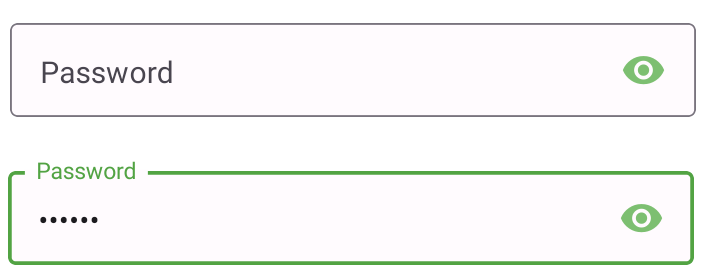
How to use in JSON metadata in form builder:
{
    "id": "password",
    "is_standard": true,
    "editable": true,
    "display_order": 3,
    "icon": "eye",
    "label": "Password field",
    "show_label": true,
    "data_type": "String",
    "input_type": "PASSWORD",
    "placeholder_text": "Placeholder",
    "max_length": 16,
    "min_length": 4,
    "initial_value": "",
    "validation_rules": {
    "required": {
      "value": true,
        "error_message": "Specify password"
    }
  }
}
Properties of password attribute:
| # | Attribute | Default | Description |
|---|---|---|---|
| 1 | id | password | Base attribute which specifies "password" input field. |
| 2 | is_standard | true | No need to change (by default: TRUE) |
| 3 | editable | true | Allows user to edit the input field |
| 4 | display_order | 1 | Allows user to define the order of the fields |
| 5 | icon | eye | Helps to add icon to the field eg: iconName from vector Icon |
| 6 | label | password field | Used to specify the label of the field |
| 7 | show_label | true | When set to true it makes label Visible |
| 8 | data_type | String | It allows the users to specifies the inputs data types |
| 9 | input_type | Password | Base attribute which specifies input types no need to change |
| 10 | placeholder_text | Placeholder | Placeholder temporarily takes the place of the final data |
| 11 | max_length | 16 | Defines the max input length |
| 12 | min_length | 2 | Defines the min input length |
| 13 | initial_value | " " | It defines the initial value in the input field |